


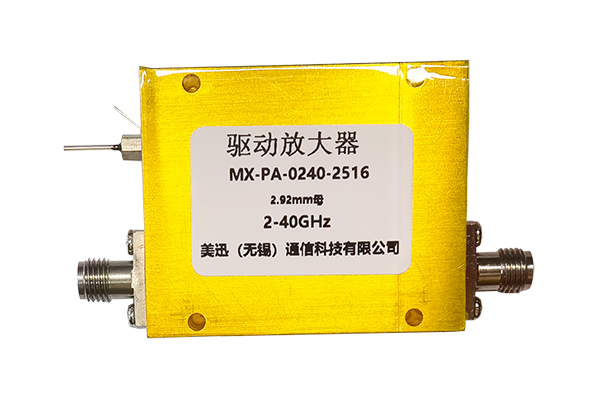




How to Maintain an RF Power Divider
1. Regularly Clean the Device Surface and Interfaces
- Regularly clean the surface of the RF power divider and all ports to remove dust, debris, and oil buildup.
- This prevents contaminants from affecting interface contact performance and abnormal signal transmission.
- Use mild cleaning tools and reagents to avoid scratching the device surface and damaging the interface plating.
- Ensure no residue remains after cleaning.
2. Check Connection Lines and Interface Status
- Regularly check the connection lines between the device and the system for looseness, damage, or aging.
- Replace damaged lines promptly to ensure secure connections.
- Also check the contact condition of each port to prevent loose interfaces from causing signal reflection and increased loss.
- If interface wear is found, maintain or replace it promptly to ensure stable signal transmission.
3. Control the Working Environment and Storage Conditions
- During maintenance, control the working environment of the devices. Avoid prolonged exposure to high temperature, high humidity, and strong electromagnetic interference to prevent aging and corrosion of internal components.
- When not in use, store the devices properly with dustproof, moisture-proof, and anti-static protection.
- Avoid squeezing and collisions to prevent physical damage and ensure stable device performance.
4. Regularly Check Performance and Potential Faults
- Regularly check the performance of the RF power divider, verifying parameters such as coupling and isolation to ensure they are normal.
- Promptly identify and address issues such as performance degradation.
- If signal distortion or uneven power distribution occurs, systematically investigate the cause to prevent the fault from escalating.
- If necessary, perform professional debugging or repair to ensure normal device operation.